
Table of Contents
If you’re in the market for a new home security system, you are inevitably going to run across a mobile app or two. Mobile apps are the way homeowners interact with their security systems in the 21st century.
The most important thing to know about any home security mobile app is what it actually does for you. Just because a provider claims its app offers full system control doesn’t mean you actually get it.
Full system control is one of the features of Vivint’s home security app. The app comes with all Vivint systems, including its flagship HomeProtect system. The company still recommends a central hub for redundancy and convenience, but such a hub truly isn’t required. You could do everything you needed to do with your phone.
So what does full system control really mean? It means you can do the following, at a bare minimum:
1. Arm and Disarm Your System
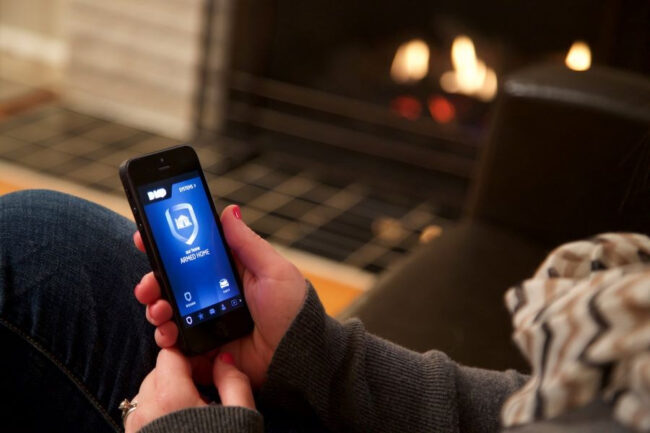
Full system control means you can arm and disarm the system, from anywhere, using your phone. All you need is the mobile app and an internet connection.
You can connect to the internet through Wi-Fi or your data plan. Either way, arming or disarming your security system is possible with a simple tap on a phone screen.
Maybe you arrive at work only to realize you forgot to arm your system on the way out the door. Just pull out your phone and arm it. Maybe your brother and his family are coming in from the coast for the weekend. He sends you a text message as he pulls in the driveway. You disarm the system and unlock the door – all with your phone.
2. Monitor Video Feeds in Real Time
Video surveillance is the cornerstone of many home security systems. Homeowners equip their homes with a number of cameras, giving real-time views of the most critical areas around their properties. With full system control, they can bring up their home security apps to view all the video feeds in real time.
Mom can check video feeds to make sure the kids arrived home from school safely. Dad can use those same video streams to make sure the kids are doing their homework rather than playing video games. Couples without kids can check in on their pets, even talking to them through onboard audio.
3. Receive Smart Alerts
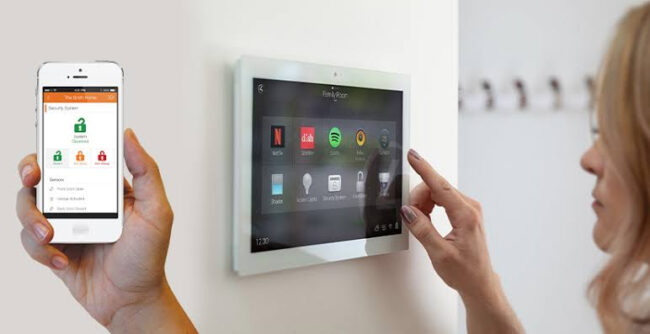
One of the biggest advantages of a home security app is the ability to receive smart alerts. Whether you have a HomeProtect system or equipment from another provider, smart alerts make all the difference in the world. What are smart alerts? They are alerts tailored to how you use your security system. Here are two examples:
- Verification Alerts – You receive an alert from your doorbell camera, an alert that says someone is approaching the front door. You can monitor the video feed to see who it is. Is it a delivery driver with a package? Is it a friend or neighbor?
- Intelligent Filtering – Later in the day, your doorbell camera picks up new movement but doesn’t send an alert. Why? Because built-in intelligent filtering allows the unit to distinguish between human beings, animals, and passing cars. There’s no need to alert you when your neighbor’s dog walks by the front door.
Prior to the invention of the smartphone, every alert of a home security system meant a phone call to the homeowner. It worked well enough, but it was highly inefficient. Today’s smart alert technology increases safety and efficiency with the combination of a smartphone and intelligent data processing.
4. Smart Home Integration
Experts say that full system control goes beyond just security. In fact, it bridges the gap between home security and home automation. With a good mobile app, homeowners can install and make use of:
- Smart Locks – Heavy-duty smart locks can be engaged and disengaged from anywhere. Homeowners can also track who is coming and going at various times throughout the day.
- Smart Lighting – Smart lighting is both a security and convenience feature. Lights can be managed with the mobile app to create entire scenes or deploy onetime modifications.
- Smart Thermostats – Full system control even includes the smart thermostat. From an app, a homeowner can program his thermostat. He can also modify programming and make onetime adjustments.
Tying all of this together is the ability to use the home security app regardless of where you are. Remotely, the app is the only way to control your home automation devices. But even when you’re home, it might be more convenient to pull out your phone than use the hub to make changes.
5. Scene and Script Customization
A mobile app offering full system control facilitates creating custom scenes and scripts. A good example is a morning routine scene designed to help you seamlessly prepare for the day. At a specific time in the morning, kitchen and living area lights turn on. The TV turns on and tunes to your favorite news channel or the weather. The coffeemaker starts while you’re showering.
Customization can be taken one step further with geolocation. By combining the GPS in your phone with built-in geolocation capabilities in your security system, you can set up an electronic geofence around your home. You can then write custom scenes and scripts that execute based on your location – via the phone in your pocket or bag.
Full System Control: The Key Is ‘Everything’
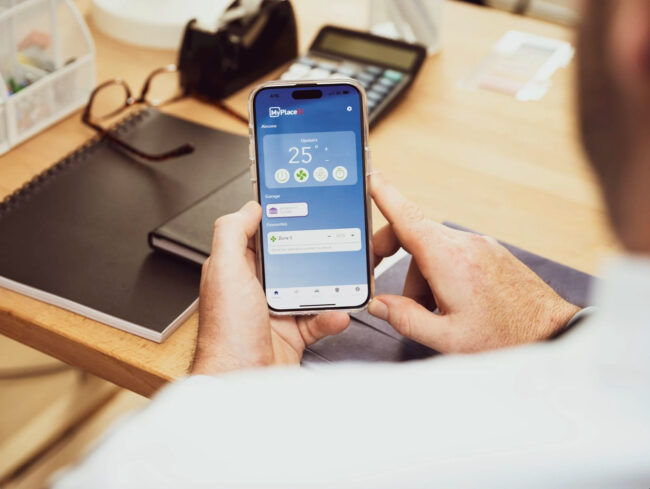
The key to full system control with a home security app is encapsulated in a single word: everything. The devices in your system all have features and capabilities. You can control those features and capabilities with a smart home hub. Likewise, a mobile app featuring full system control lets you do the exact same things with your phone.
It’s not just a few things here and there; it is everything you can otherwise do with the hub. Full system control allows your phone to completely replace the hub if necessary. So here’s the big question: how many mobile home security apps actually offer this kind of control?


