
Table of Contents
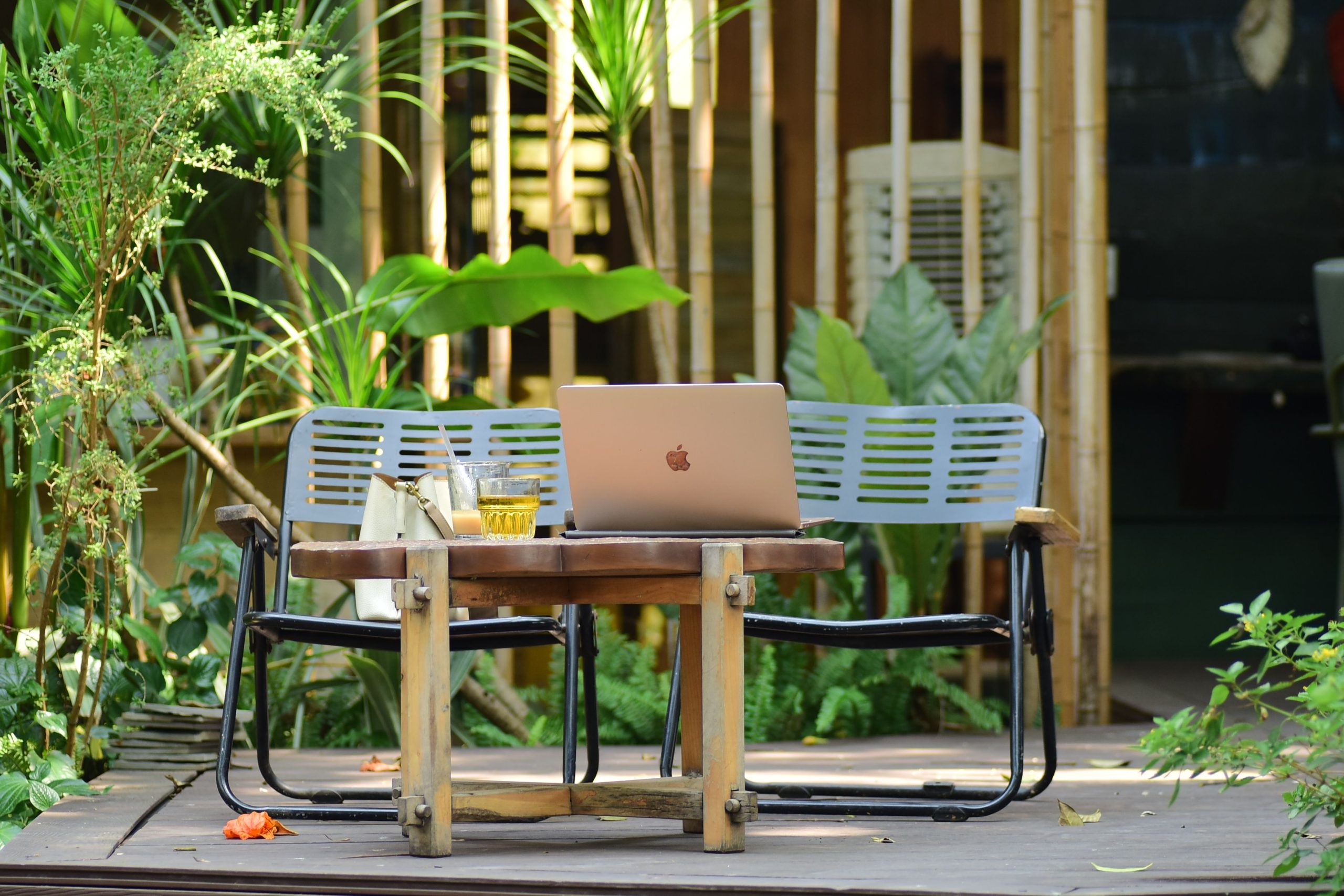
An outdoor office can make a home workday feel less confined, but a laptop on a patio table is not automatically a good place to code. Sunlight washes out screens, garden chairs encourage awkward typing, and an afternoon shower can turn a productive setup into a scramble.
The best outdoor office ideas for developers start with the work itself: long stretches of typing, screen-heavy tasks, calls, and access to a stable network. Plan for shade, a proper input setup, power, and a quick indoor fallback before you decorate.

Table of Contents
- Choose a location that suits the work
- Make the setup comfortable for actual coding
- Control glare, weather, and heat
- Plan power and connectivity
- Add the finishing details
- A quick outdoor-office checklist
Choose a location that suits the work
Before choosing furniture, decide what kind of work you want to move outside. A short email session, a video call, and several hours of debugging have different requirements. A spot that is pleasant for a coffee break may not provide enough shade, stable seating, or a surface large enough for a keyboard and mouse.
Use this quick comparison to narrow down the best outdoor home office for your space:
For many developers, a covered patio is the most useful compromise: outdoor air and daylight without making every work session dependent on a moving patch of shade. A balcony can work too, but test the footprint with the chair pulled out and your arms in typing position before buying a desk.

Make the setup comfortable for actual coding
Developers often type for long stretches and keep several windows visible, so ergonomic shortcuts become noticeable quickly. A lounge chair and laptop balanced on your knees may feel fine for reading documentation, but they are a poor default for sustained coding.
Start with a firm, level table and a supportive chair. Raise the laptop on a stable stand, then add a separate keyboard and mouse so the screen and your hands are not forced into the same cramped position. OSHA’s computer monitor guidance recommends placing the display directly in front of you and generally 20 to 40 inches from your eyes; it also advises positioning the screen to reduce glare.
- Keep your keyboard and mouse close enough that your elbows can stay near your sides.
- Use a chair that lets your back rest against support and your feet sit securely.
- Choose an adjustable laptop stand rather than a wobbly stack of books that can slide outdoors.
- Keep the setup easy to pack away if rain, wind, or temperature changes arrive.
When a second monitor is essential, consider making the outdoor desk a partial-work station rather than replicating your full indoor office. A laptop with an external keyboard and mouse is simpler to move, uses less space, and is easier to bring inside at short notice.
Control glare, weather, and heat
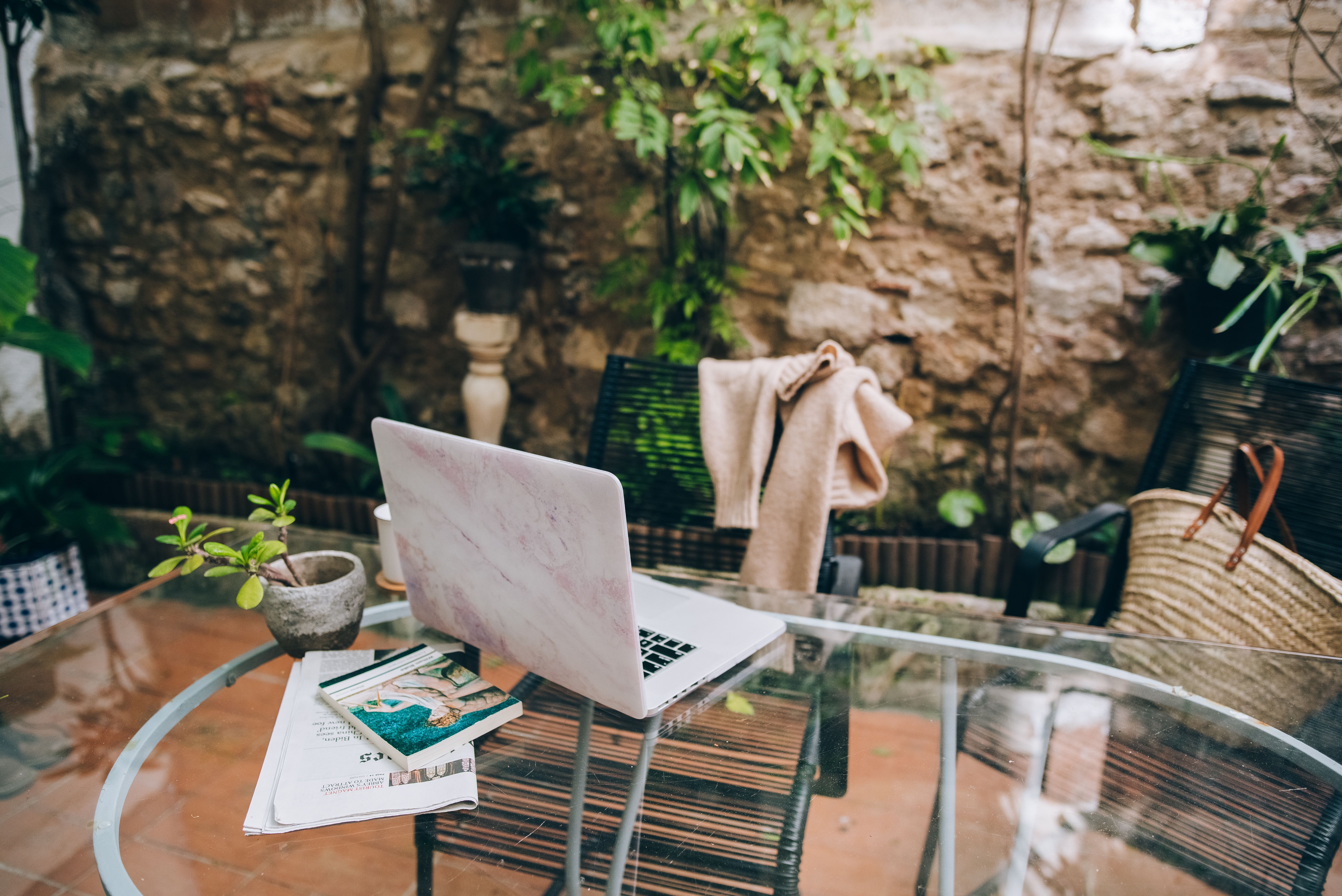
Direct sunlight is often the first reason an outdoor coding setup fails. A brighter screen can help a little, but it drains the battery and does not fix reflections. Put the desk in consistent shade, then angle the display so the sky and bright surfaces are not reflected in it. OSHA also recommends positioning monitors perpendicular to windows to reduce glare; outdoors, the same principle is useful with the sun and bright garden surfaces.
Think about shade throughout the work period, not just when you test the spot in the morning. A fixed awning, umbrella, or canopy can provide a predictable area; trees give pleasant dappled shade but shift with the sun and wind. Keep drinks, planters, and watering equipment away from the laptop, and bring electronics indoors when rain or heavy condensation is possible.
Heat is more than a comfort issue. CDC/NIOSH guidance for outdoor work recommends reducing heat exposure with shade, cool recovery breaks, and access to water. If the work area feels hot or you begin feeling unwell, move inside and take a break rather than trying to finish one more task. The agency’s recommendations for working in heat are a useful reference for planning safer outdoor work.
There is a good case for keeping an outdoor office seasonal and flexible instead of treating it as a permanent replacement for a climate-controlled room. You may enjoy the patio for a design review or low-stakes coding block, then move inside when the sun, temperature, or weather stops cooperating.
Plan power and connectivity
A developer’s outdoor session can be interrupted by a low battery or an unstable connection just as easily as by weather. First check whether your home Wi-Fi reaches the proposed workspace reliably. Walk outside with the device you use for calls and development, then test the connection where the laptop will sit; a strong signal near the door does not guarantee one at the far end of the garden.
If coverage is weak, consider improving the home network before depending on a phone hotspot. Keep a local copy of the task you are working on and know which tools require a live connection, especially if your workflow depends on remote repositories, cloud development environments, or video meetings.
For power, start with the laptop’s normal battery runtime and the length of the work block. A shaded, covered spot near a properly installed outdoor outlet is the simplest option. Avoid improvised indoor extension leads across walkways or any arrangement exposed to moisture. For a cordless workspace, compare the equipment you would actually charge and the available capacity rather than shopping by the largest output number; the site’s portable power station guide explains the difference between stored capacity and output.
Keep charging gear, battery packs, and cables out of direct sun, and follow the device manufacturer’s temperature and weather instructions. A power station does not make a laptop weatherproof, and its presence should not turn an exposed garden table into an all-weather office.
Add the finishing details
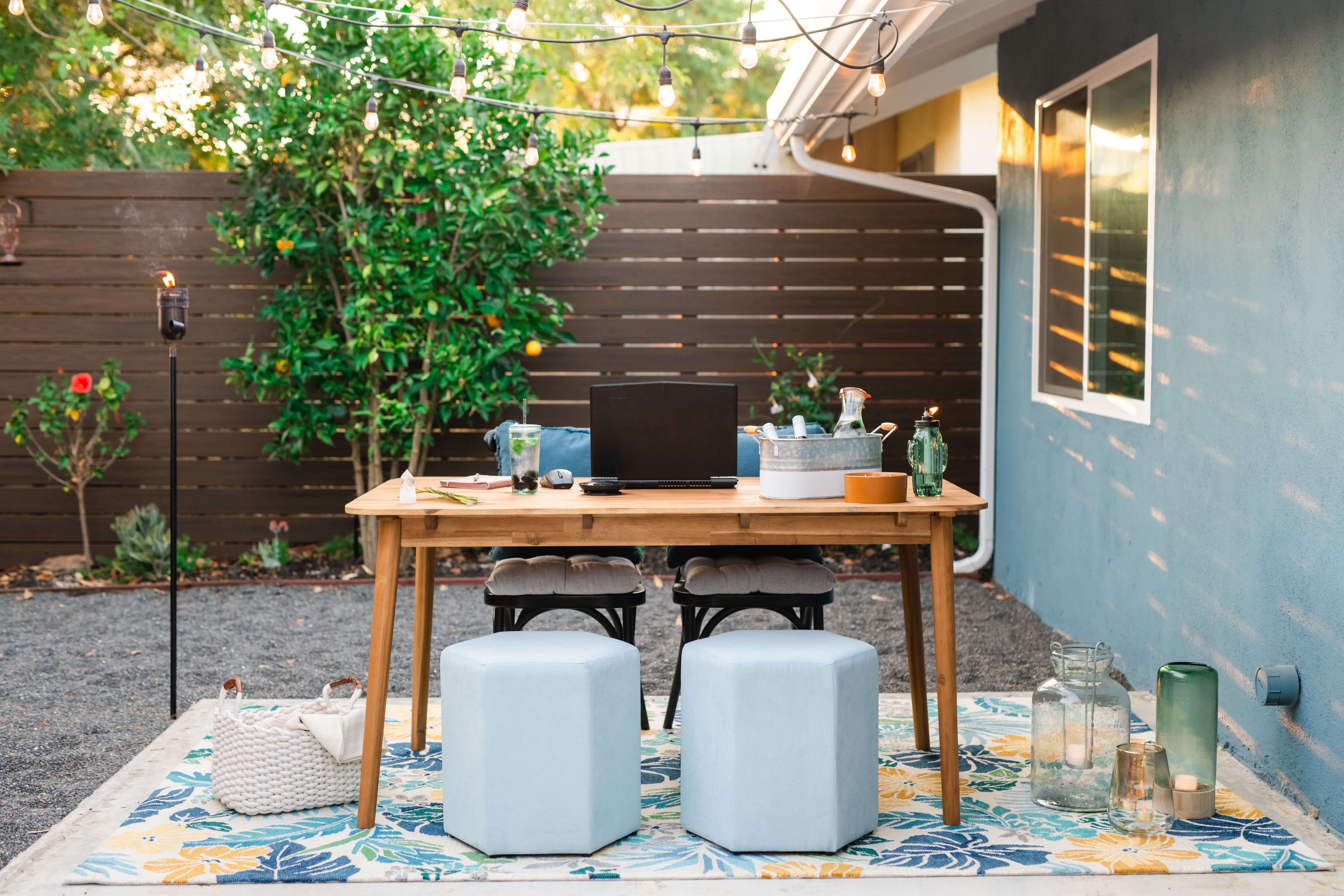
Once the core workstation works, small choices can make the space feel deliberately designed without filling it with things that compete with the work. Keep the desktop uncluttered, use a small tray or closed box for accessories, and choose outdoor-rated furniture and lighting where appropriate. Decorative string lights are for ambiance, not task lighting; code still needs even, comfortable light after dusk.
If the workspace sits on an elevated deck, treat its edge and circulation as part of the layout. Leave a clear path around the chair and cables, and consider how the railing affects usable space and sightlines; comparing options such as composite balustrades may help when planning a deck renovation.
- Use a small covered container for a mouse, keyboard, and charging cable when not in use.
- Choose a matte desk surface where possible to limit reflected light.
- Keep plants and decor outside the laptop’s immediate work area to reduce spills and clutter.
- Have a clear indoor landing spot so moving equipment takes seconds, not a full teardown.
A quick outdoor-office checklist
Before committing to a permanent outdoor office, try a few real work sessions with a lightweight setup. Test one coding block, one call, and a period when the sun is at a different angle. The right location is the one that handles those ordinary demands, not just the one that looks best in a photo.
- Pick a shaded spot protected from routine rain and splashes.
- Check the desk height, chair support, laptop position, and keyboard reach.
- Test screen readability and Wi-Fi from the exact seat you plan to use.
- Decide how you will charge devices without exposing cables or electronics to moisture.
- Set a simple rule for moving inside when heat, glare, wind, or weather becomes distracting.
A good outdoor office is not the one with the most furniture or the longest list of gadgets. It is a second, dependable place to work that makes a change of scene easy without asking your body, your laptop, or your network to tolerate conditions they were never built for. Start with shade and a proper typing position; add the extras only after those basics hold up through a normal workday.


